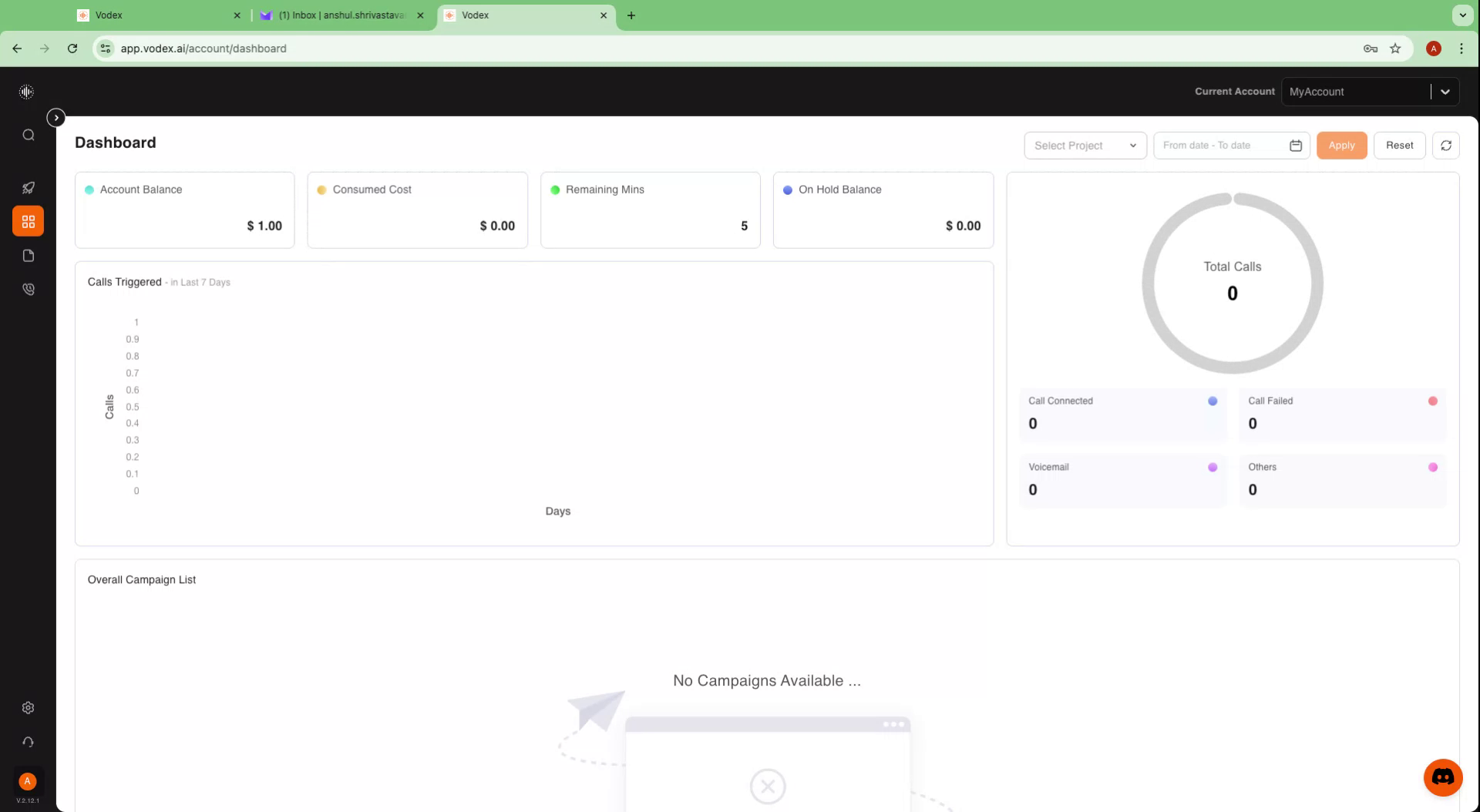
Creating an Account on Vodex
This document provides a comprehensive overview of the steps involved in creating an account on Vodex. From signing up on the website to verifying your email and completing the setup, follow these instructions to get started seamlessly.
Step 1
Begin by visiting the Vodex website at app.vodex.ai.
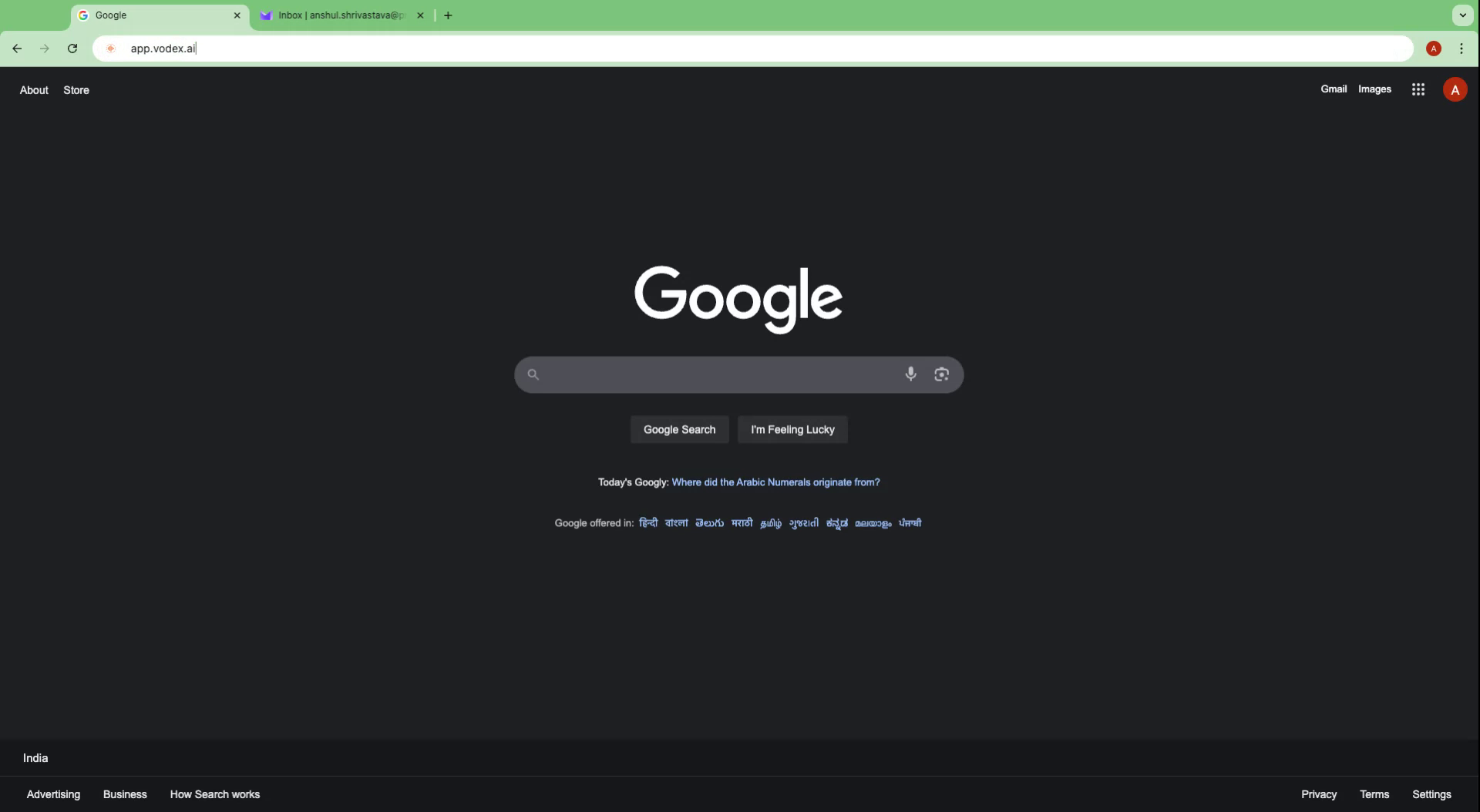
Step 2
On the homepage, click the 'Sign Up' button. Enter your email address in the provided field.
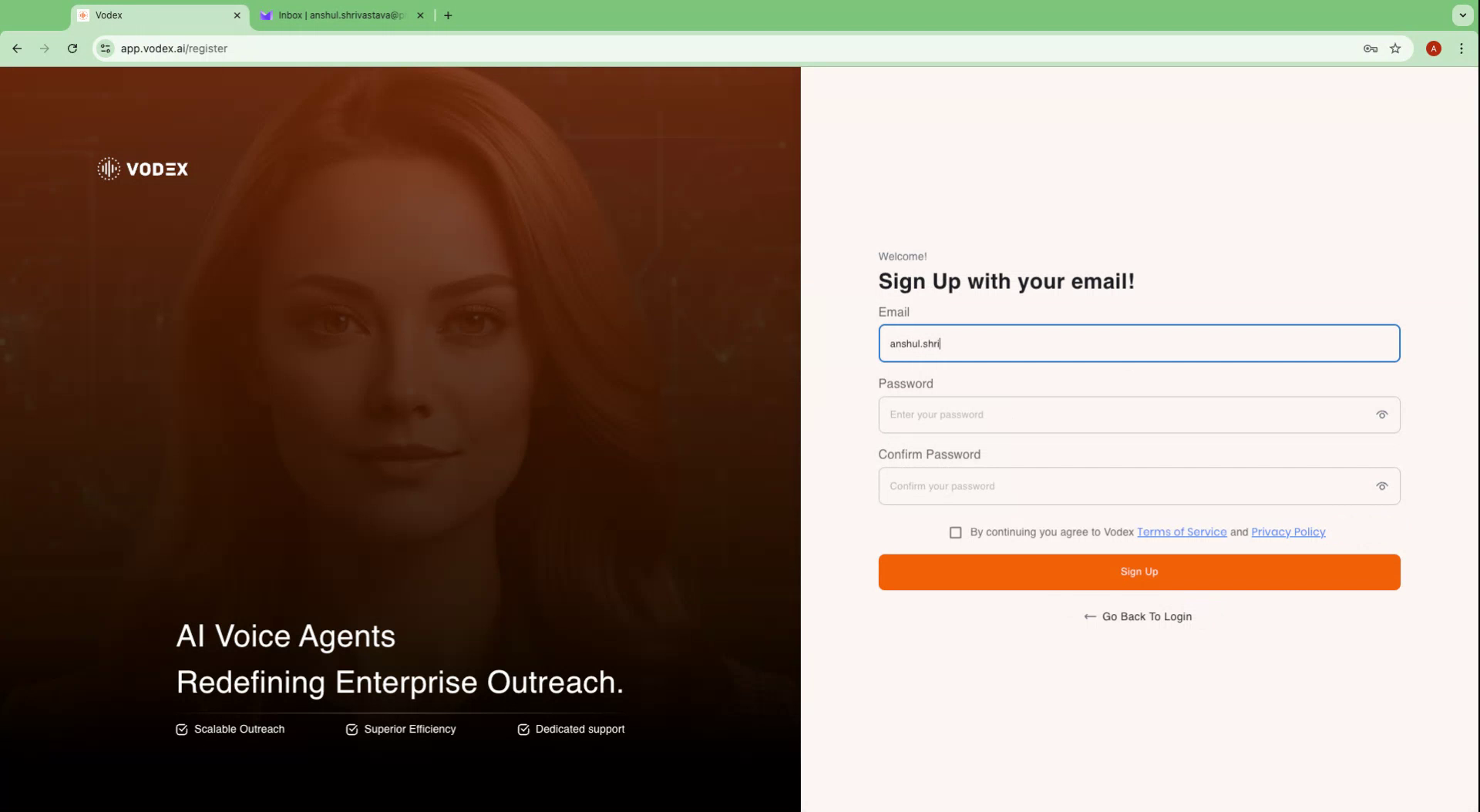
Step 3
Proceed to create a secure password by entering it in the designated field and Re-enter your password to confirm its accuracy.
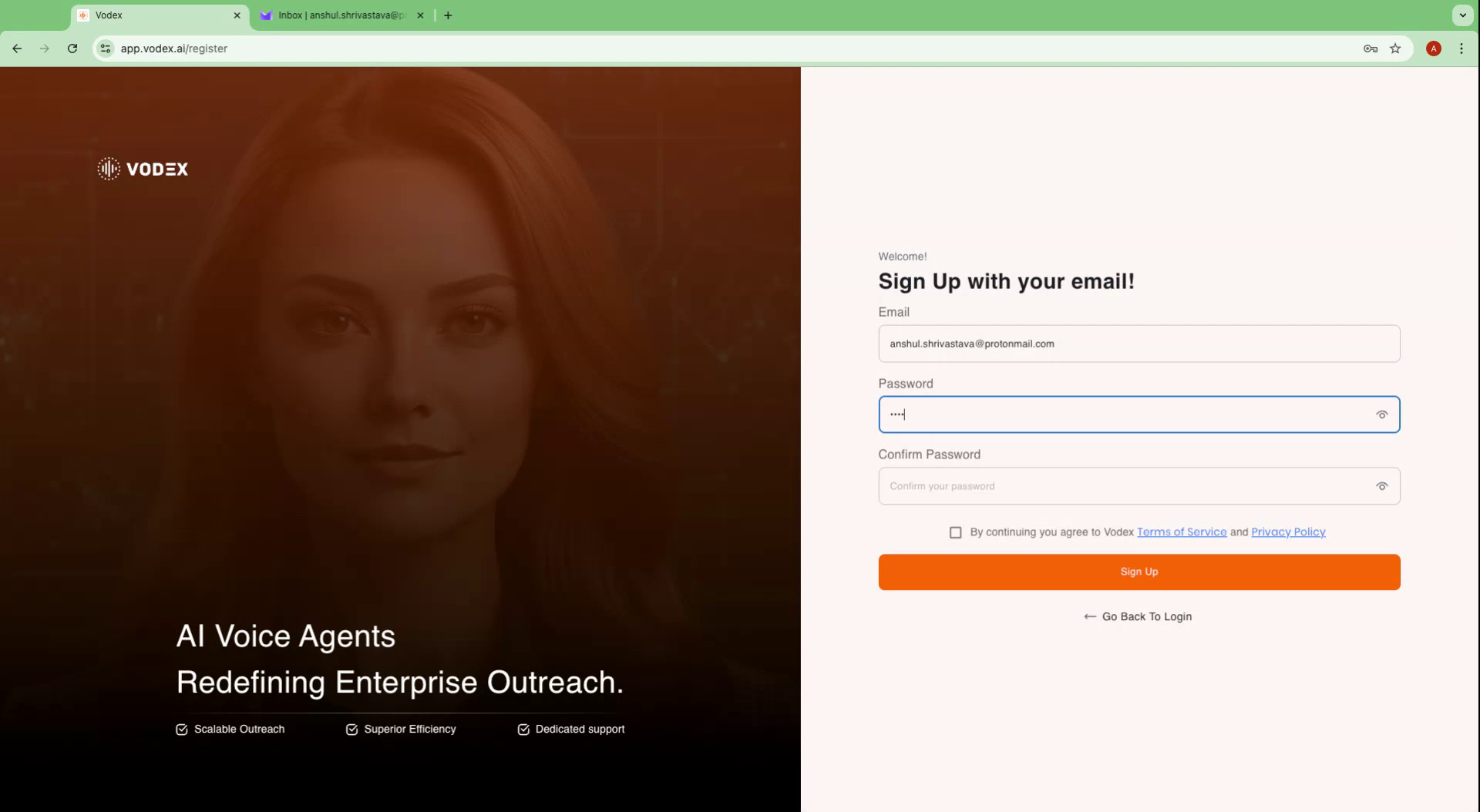
Step 4
Tick the checkbox to agree to the terms, then click 'Sign Up'. A confirmation message will appear, and a verification email will be sent to your provided email address. Check your inbox for this email.
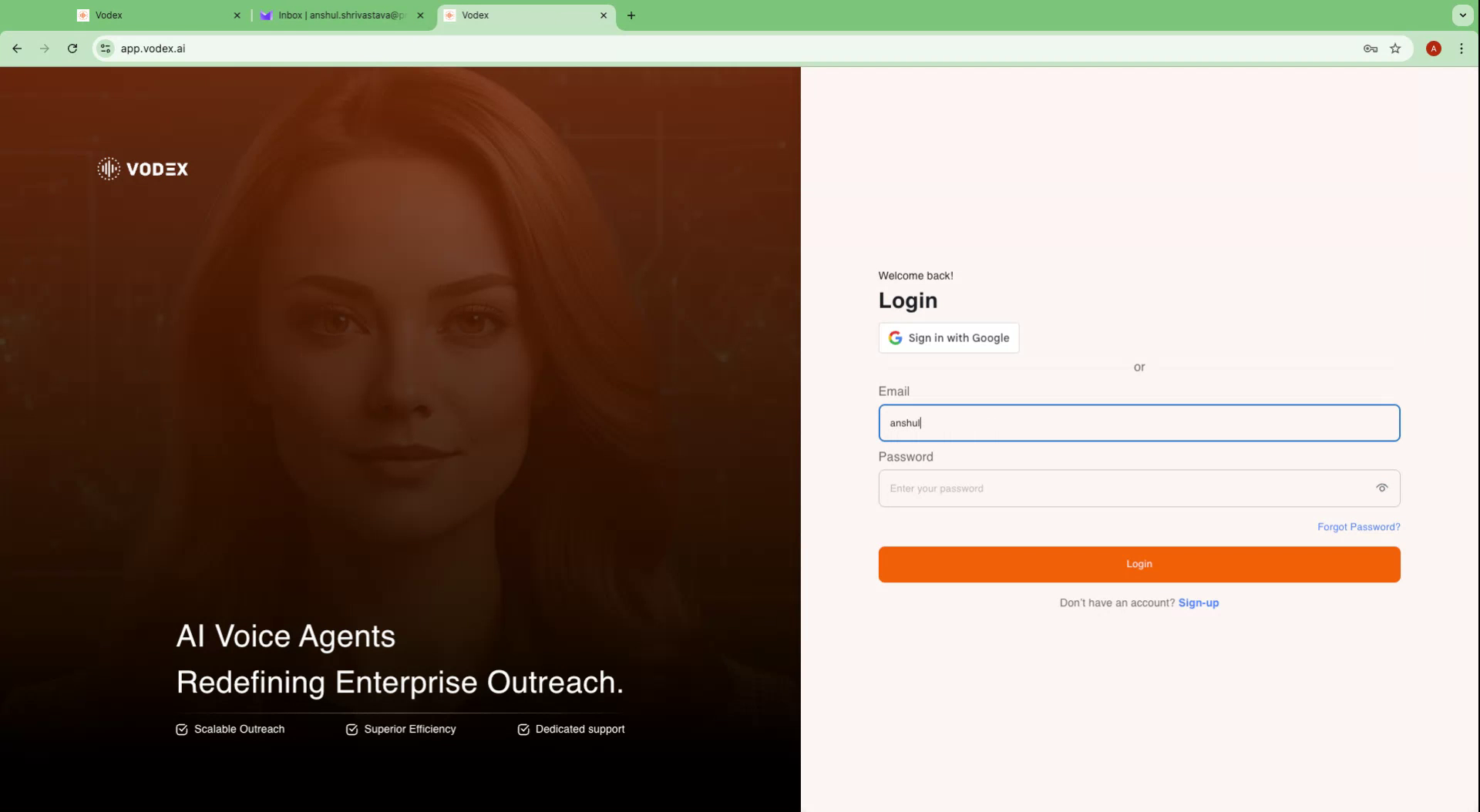
Open the email titled "Please verify your email" and click the 'Verify Email' link. After verification, a success message will appear. Click 'Continue to Vodex' and log in with your email and password.
Step 5
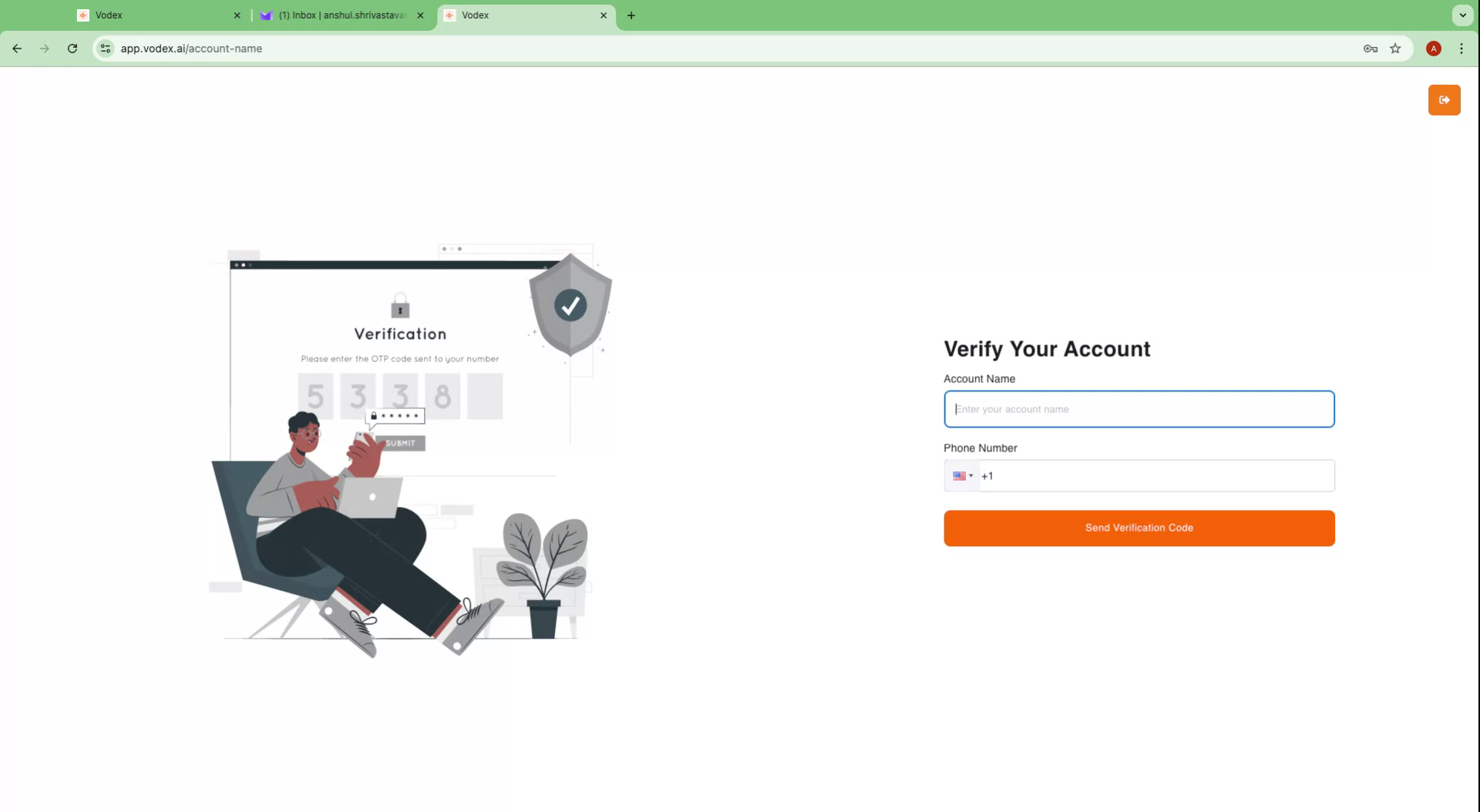
Click 'Login'. You will then be prompted to enter your account name and phone number. The account name can be any name of your choice.
Step 6
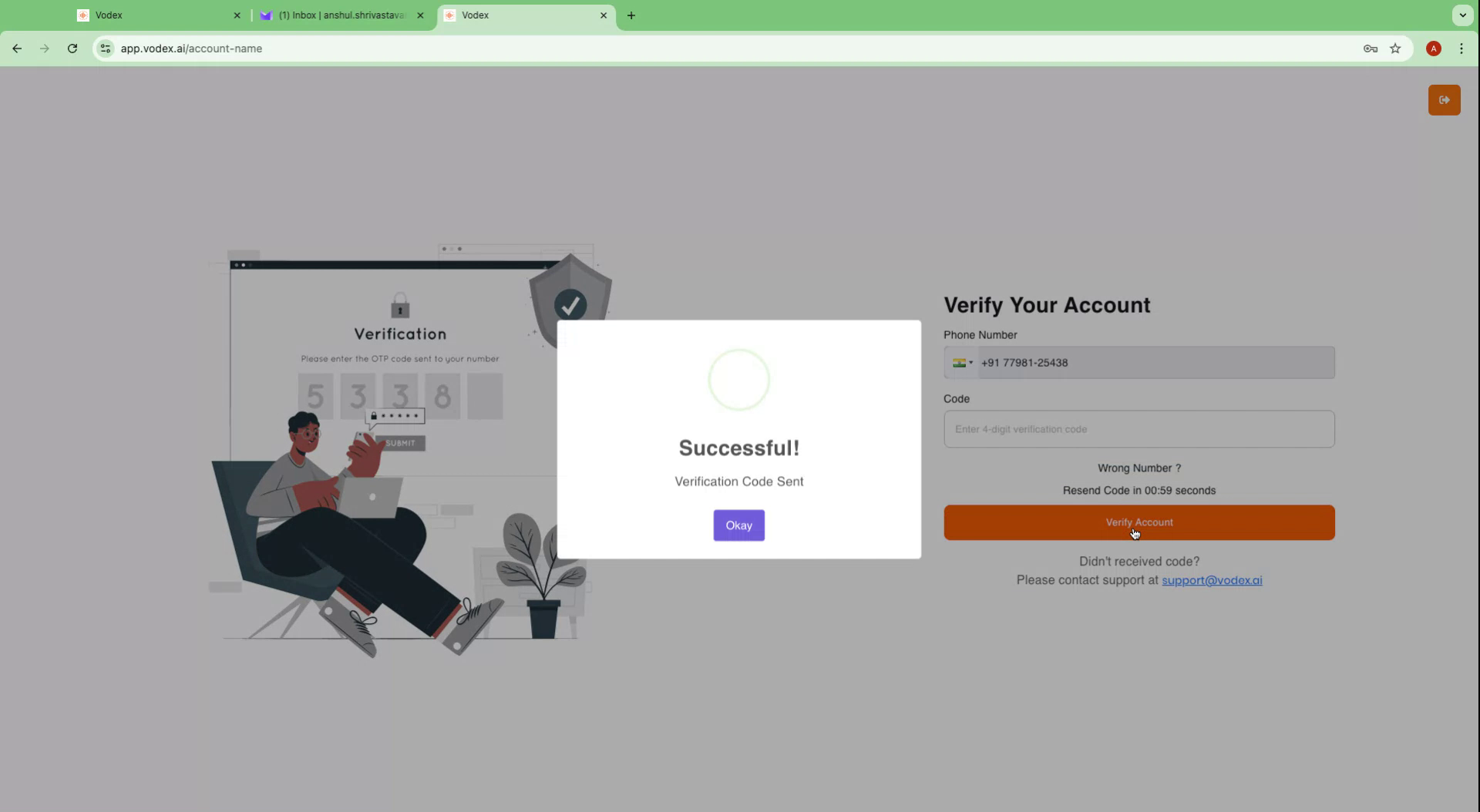
Ensure that the account name does not contain special characters or spaces. Enter your phone number and click 'Send Verification Code'.
Step 7
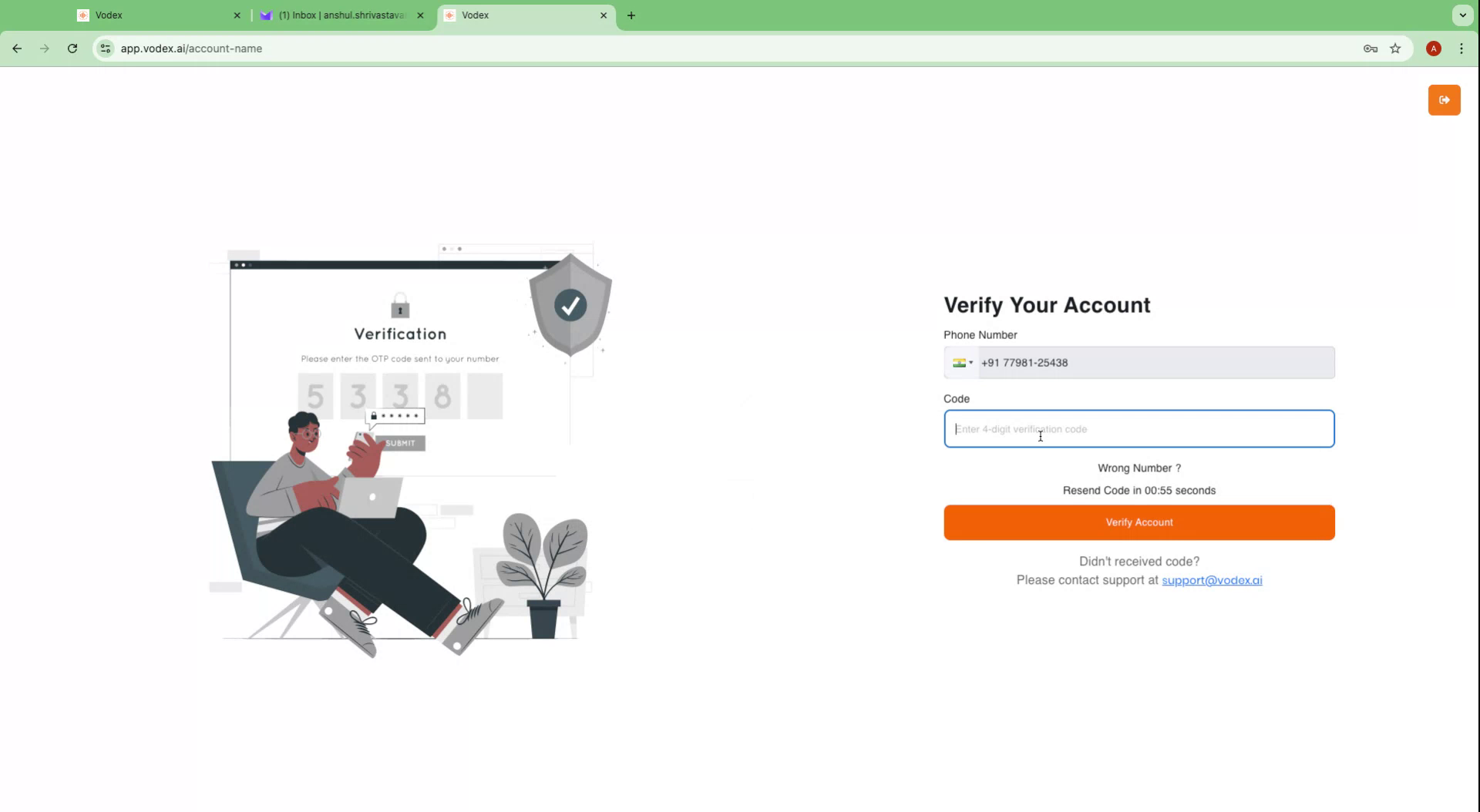
A four-digit verification code will be sent to your phone. Input the verification code and click 'Verify Account'. Upon successful verification, your account will be active.
Step 8
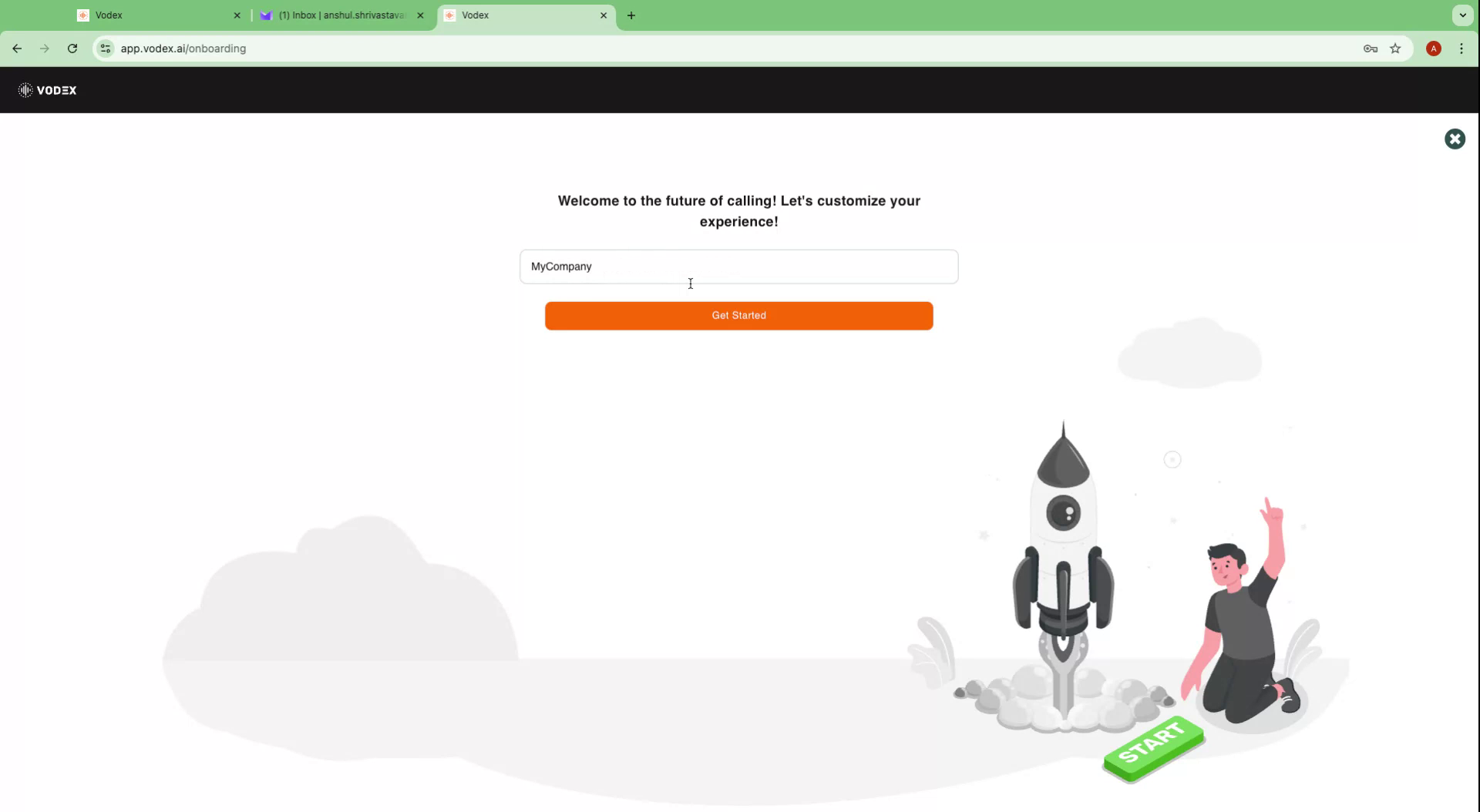
A message stating "Account created successfully" will appear. A pop-up will prompt you to enter a project name, such as your company name. If you wish to skip this step, click the cross button on the right and then 'Continue to Dashboard'.
Step 9
Your account setup is now complete.