Campaign Creation on Vodex
In this process, you will learn how to create a campaign for your project using the Vodex platform. This involves navigating through the Campaigns tab, setting up the campaign details, selecting the audience, and managing campaign types. Follow these steps to efficiently create and manage your campaigns.
Step 1
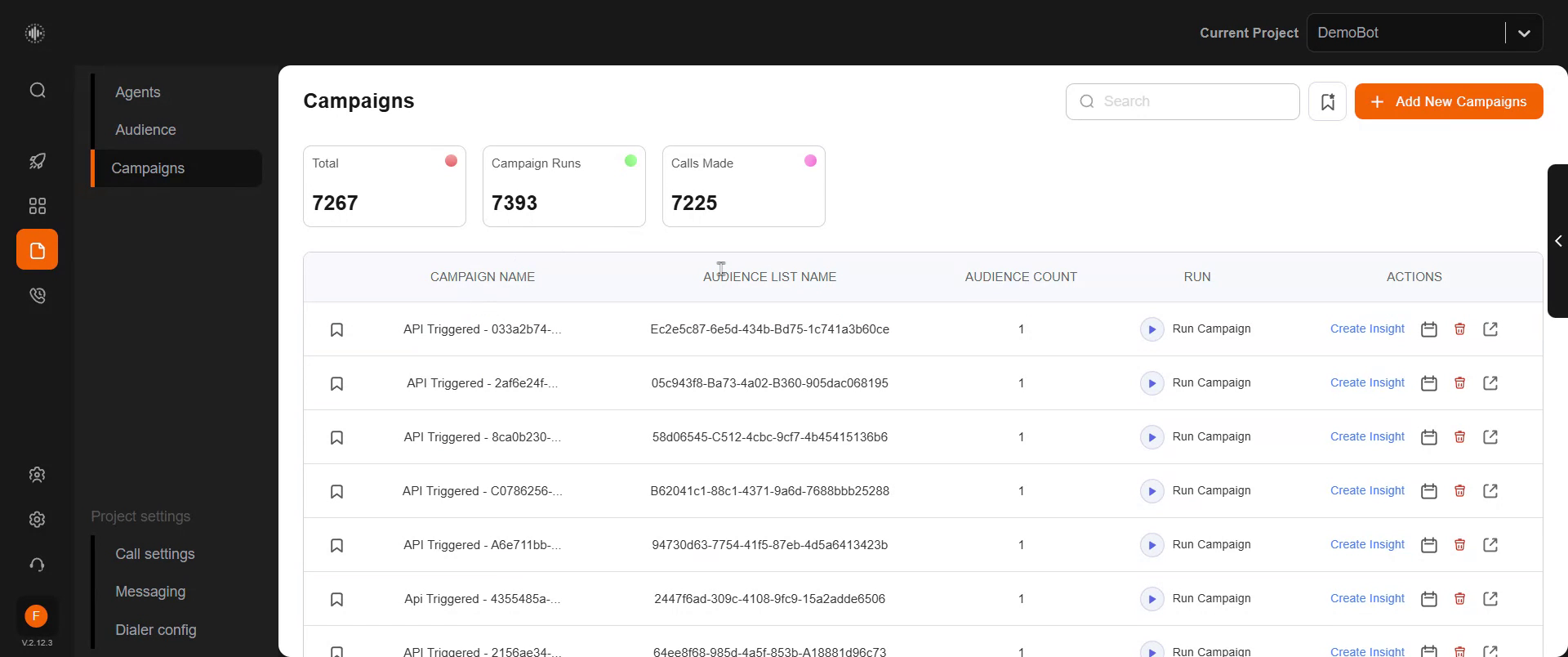
Navigate to the Campaigns tab located below the Audience tab. Here, you can view an overview of all the campaigns you have created. This includes the number of campaign runs, calls made, and a list of your campaigns, selected audience, and audience count.
Step 2
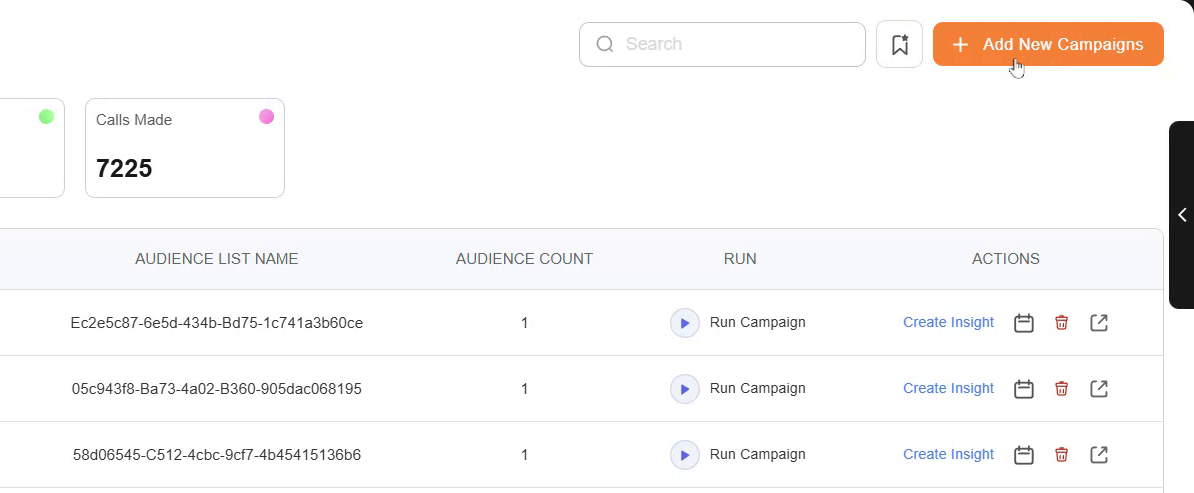
To initiate a new campaign, click on "Add New Campaign."
Step 3
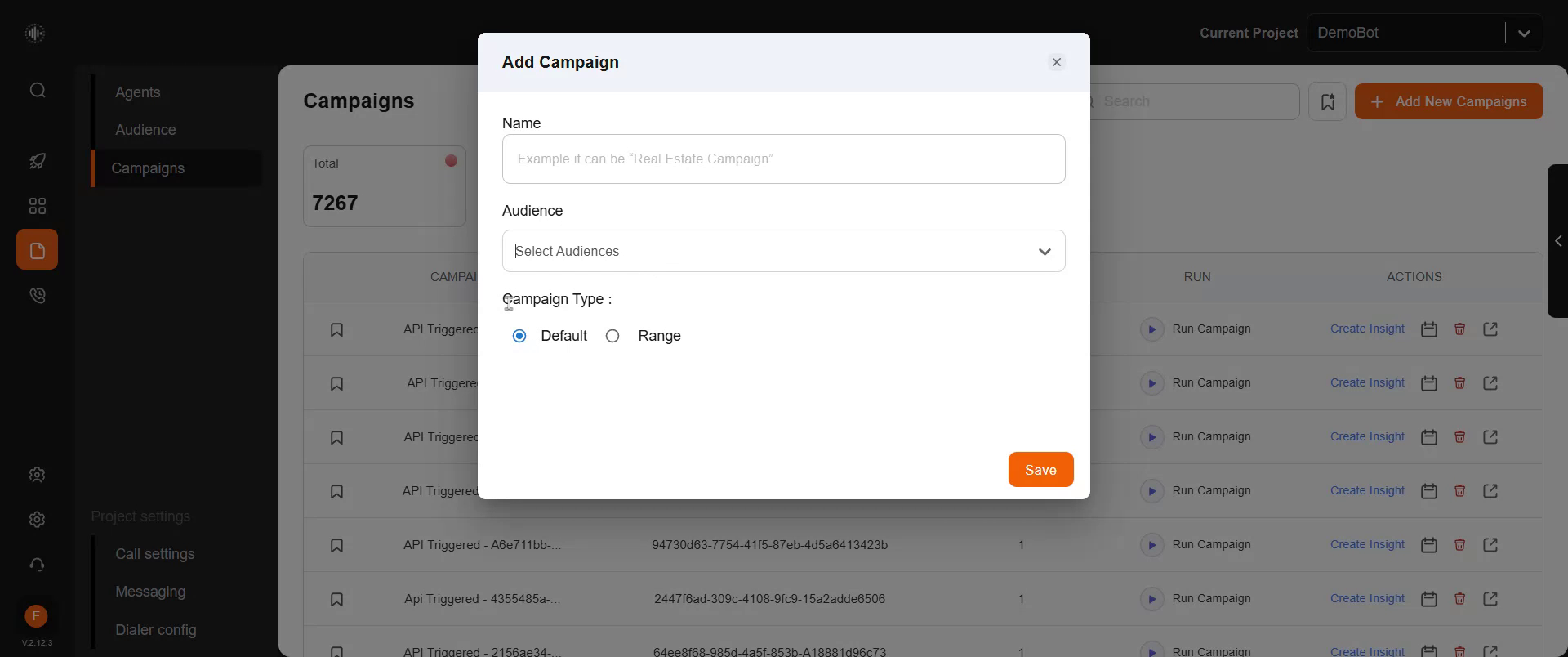
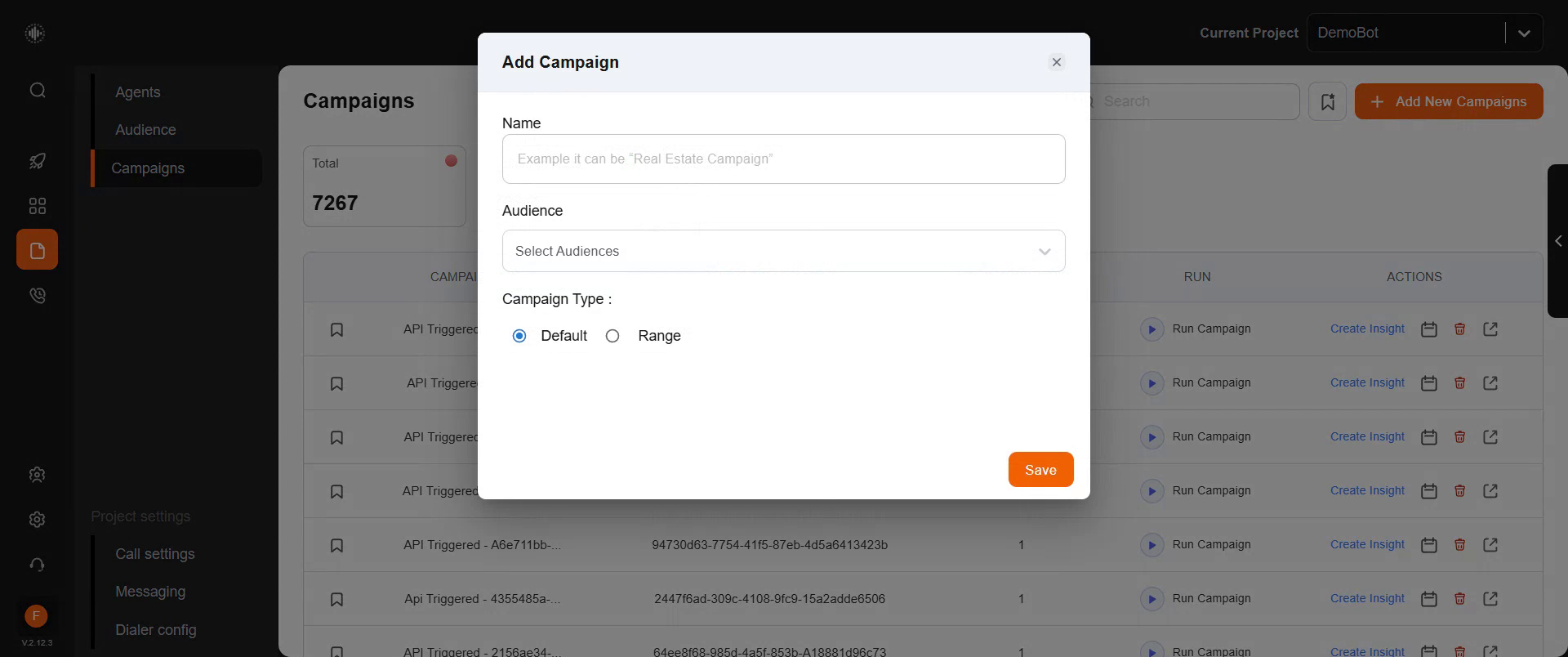
A pop-up will appear. Enter a name for your campaign in the designated field. You can name the campaign anything you prefer, such as for example "Real Estate Campaign." Next, select the specific audience for this campaign from your contact list. Refer to your saved audiences to choose the specific audience you wish to include in this campaign.
Step 4
Choose the campaign type, whether it is the default setting or a specific range. Click "Save" to store your campaign. Once saved, you can easily initiate your campaign from this page.
Campaign Type - You have two options here
Default - If you have 1000 leads and if you want to run the 1000 leads then you can use this option
Range - If you have 1000 leads but if you want to run 100/200/300, etc at a time then select the Range option.